Brief
As a part of our Business of Design course in Fall of 2017 where we were building a makerspace for our campus, we were tasked to individually make something hands on, something that develops new skills, and something that we’ve never done before, throughout the term as the first clients of the BOD prototype makerspace. This project could be for yourself, or for the makerspace. There is a budget which we would need to apply for and work within. We would use this process to understand what a makerspace is, what tools, what resources, and what the makerspace could be for the university.
Vision & Solution
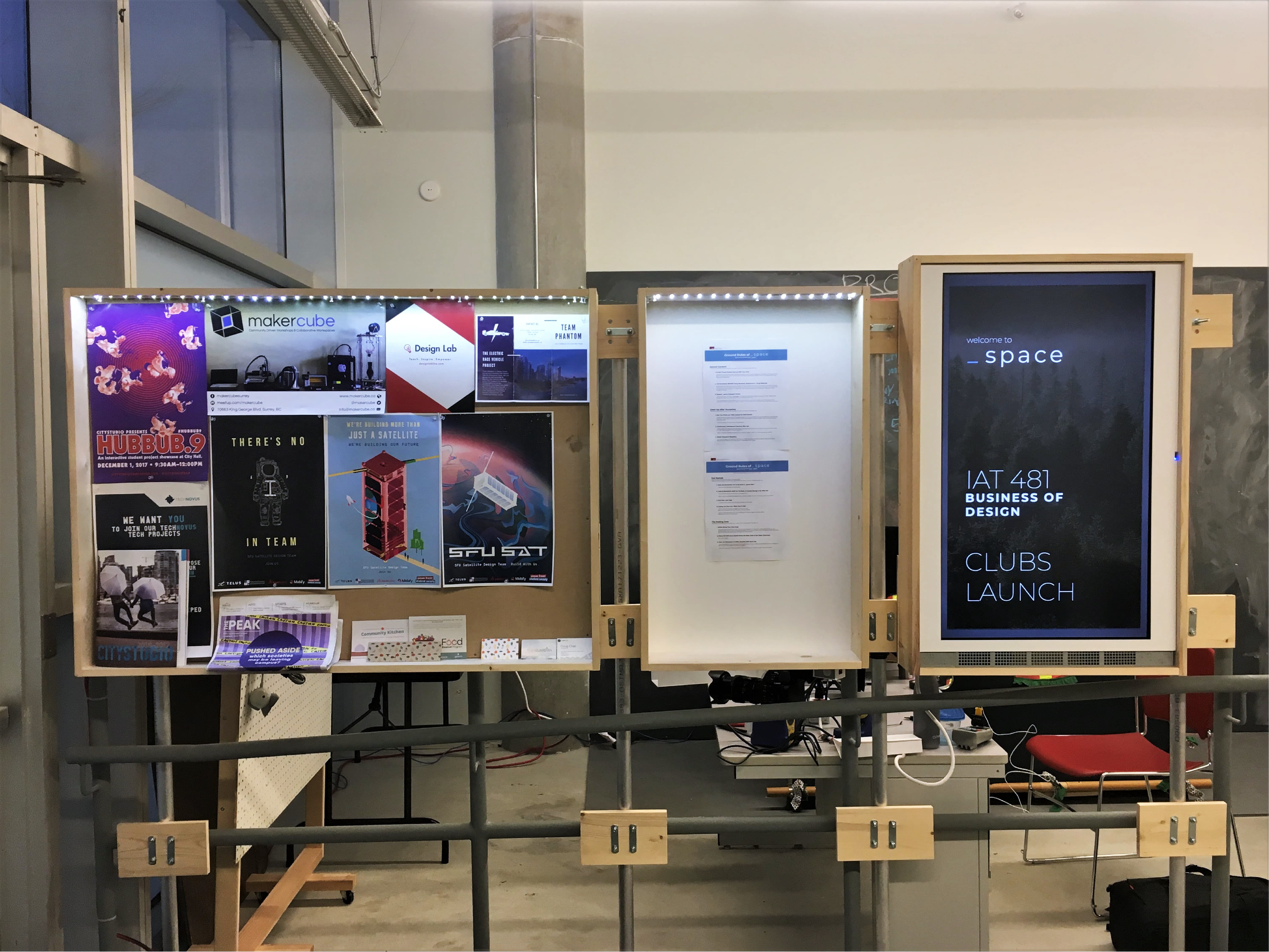
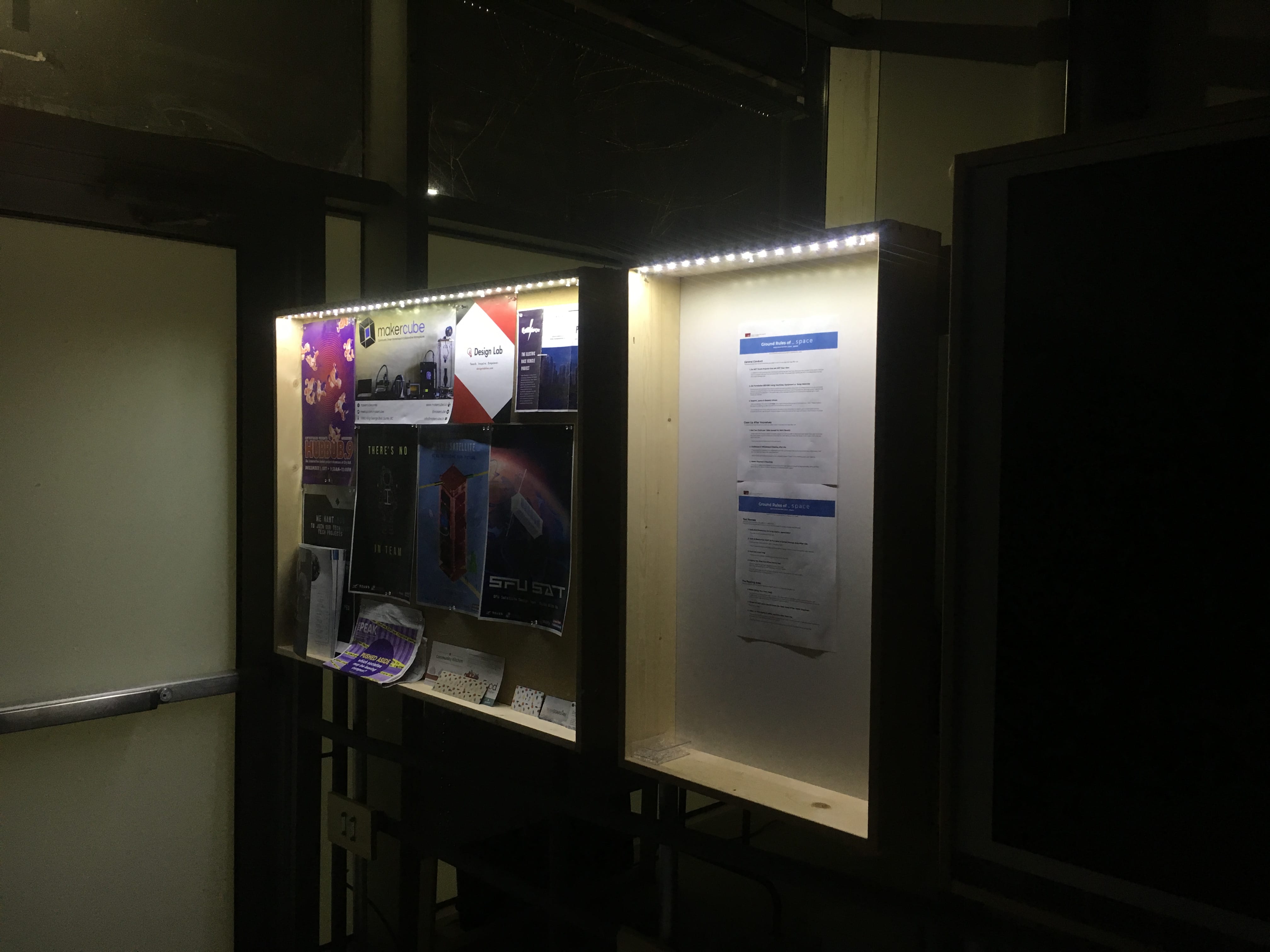
Coming up with a project that tested the limits of my knowledge while staying within the limits of the capabilities of the university’s shop was a challenge. I decided upon creating the community bulletin to create a wordless greeting and communication of community information to both users and guests of the makerspace.
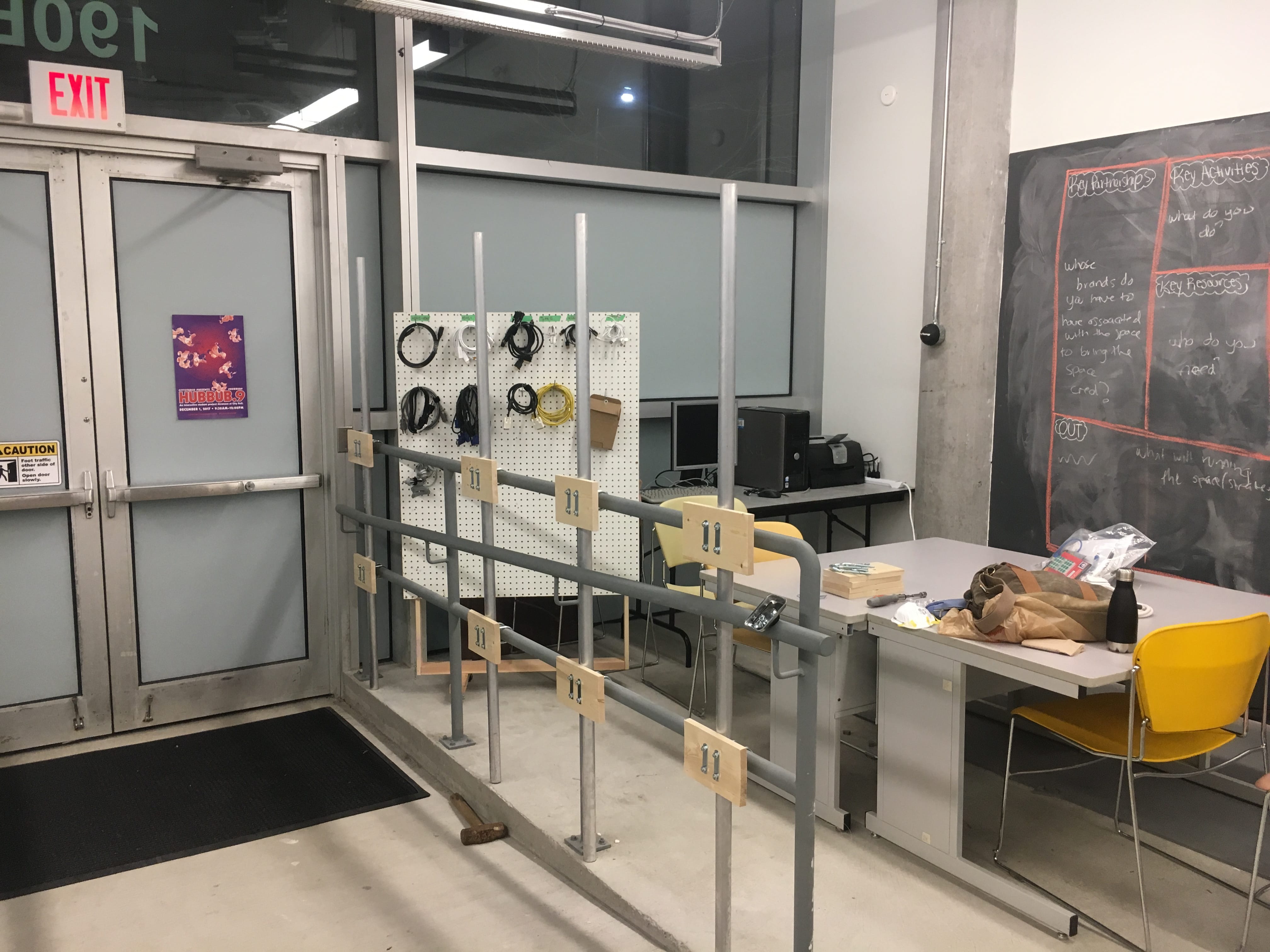
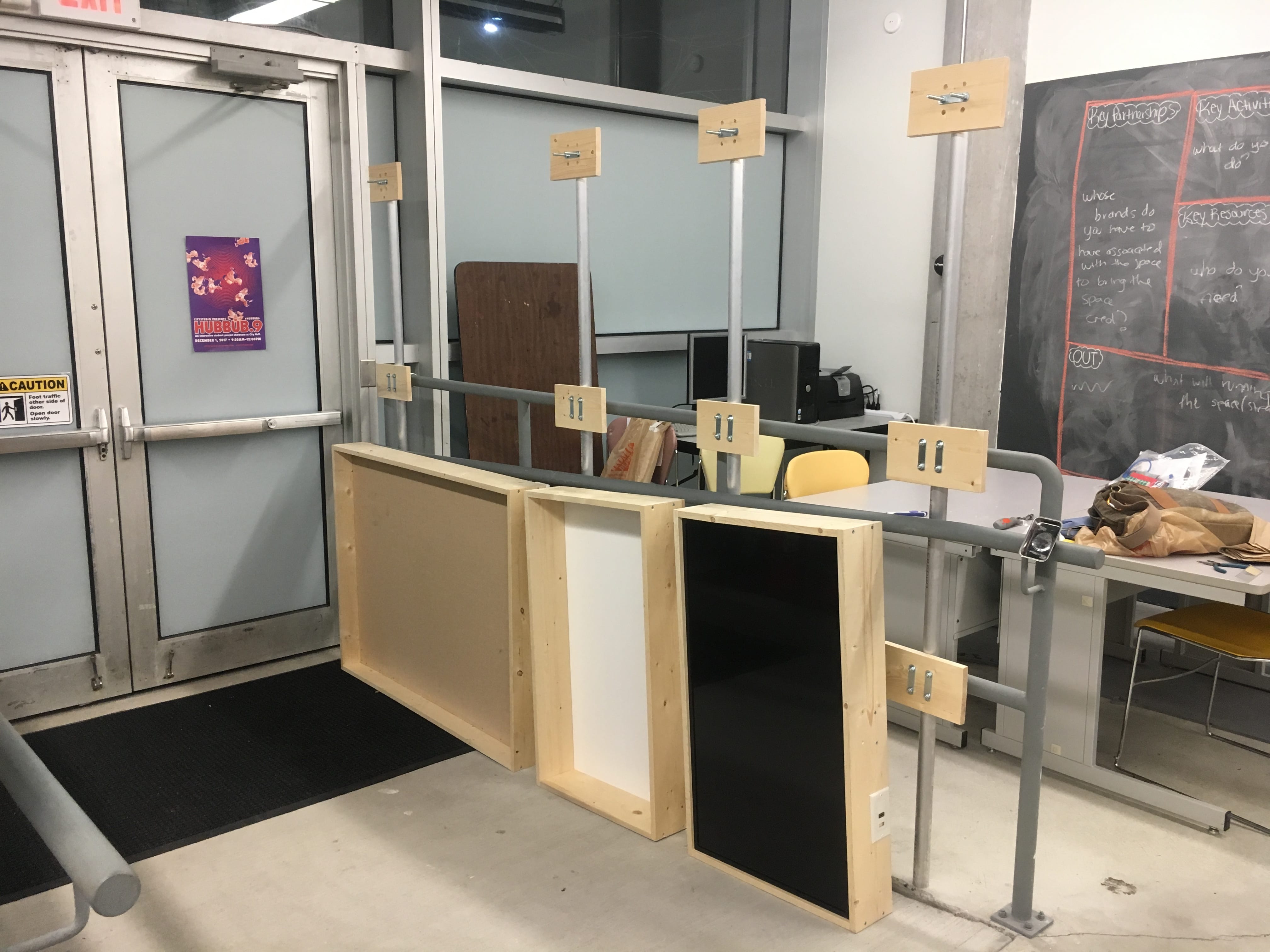
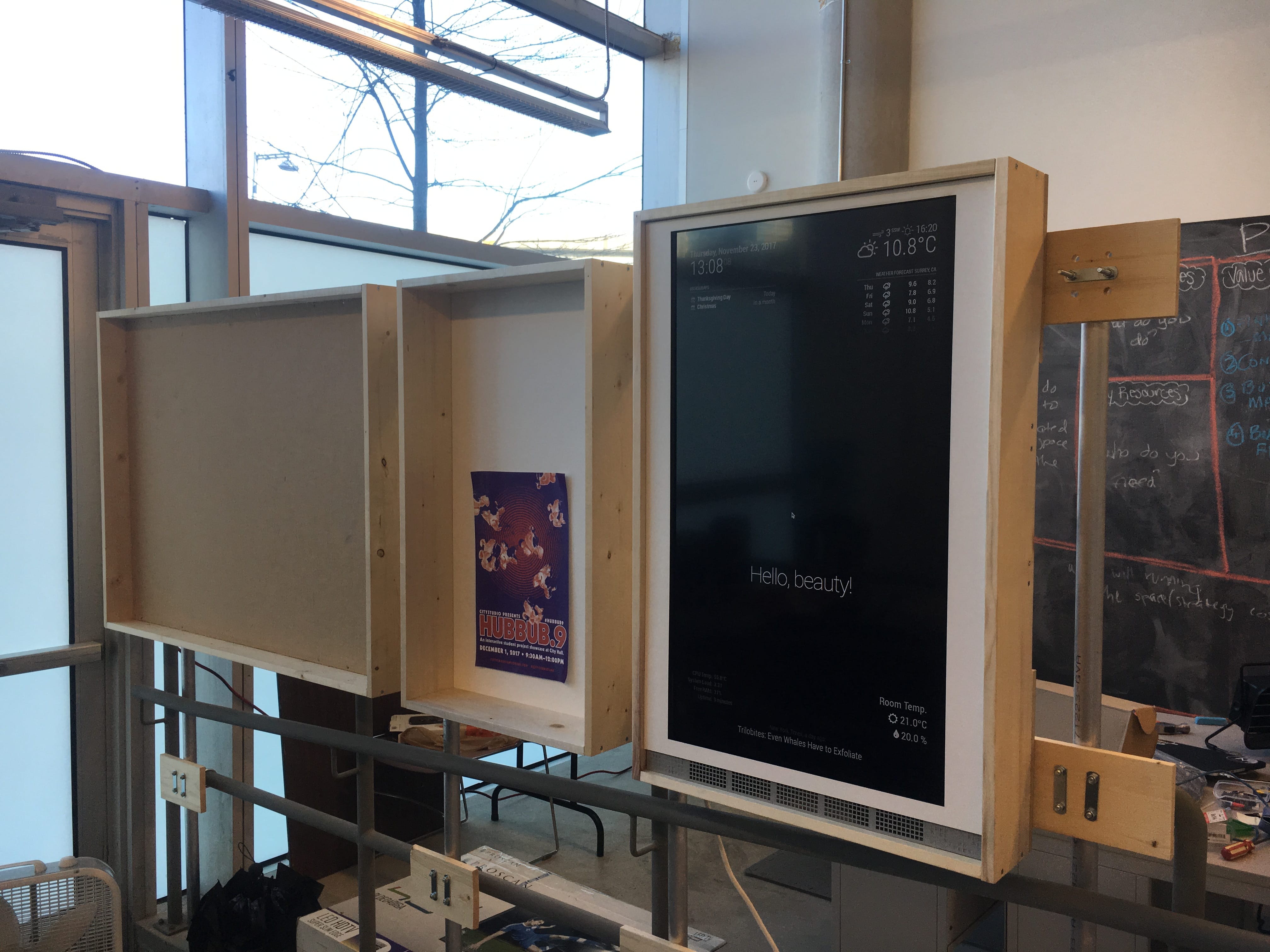
Containing a tack board, a whiteboard, and a digital display it the _space Community Hub is a versatile tool that gives users and administrators of the space different options to share information. Located by the door, the bulletin allows everyone who enters to have an opportunity to slow down, peruse the latest news, information, and activities inside the space and perhaps discover new opportunities. Built as an addition to the existing railing, the _space Community hub is design to use sustainable materials of wood and metal that fits with the aesthetics of the makerspace that we were building around it.
Process & Design
Constraints
The two main constraints in the _space Community Hub is space and funding.
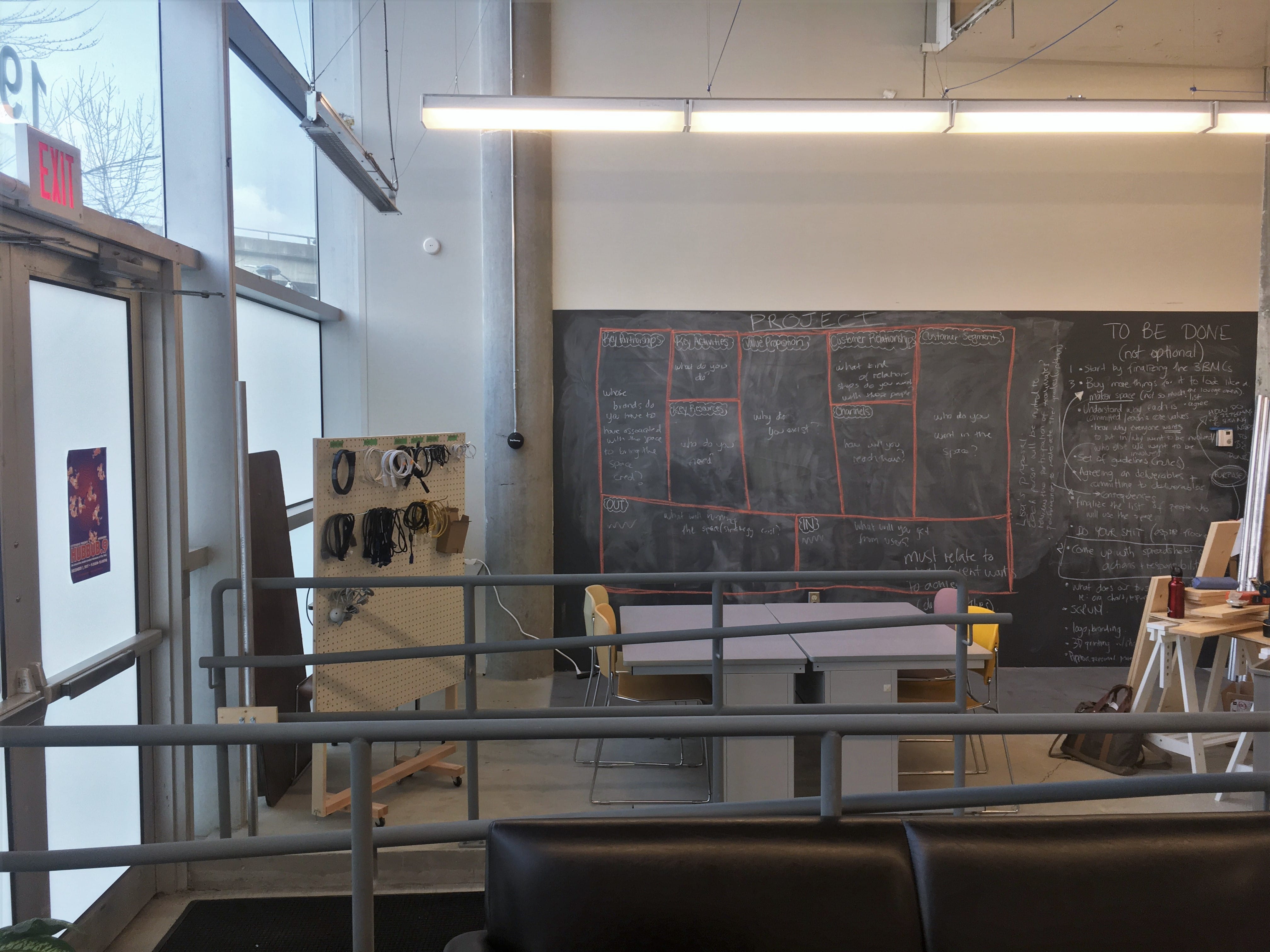
University Facilities did not permit us to make major modifications to the room for liability and space allocation reasons. Any major construction, including attaching anything to the walls, required their approval and the hiring of contractors. Thus, any addition to the space had to be both non-permanent and not modify the existing hardware within the space.
In terms of funding, this project’s budget comes from the total makerspace budget and thus must be approved by not only the instructors but the class. This required an iterative process with proposals to the class before the project is greenlit. Ultimately, the project had a budget of $600 to be spent on materials only.
Location
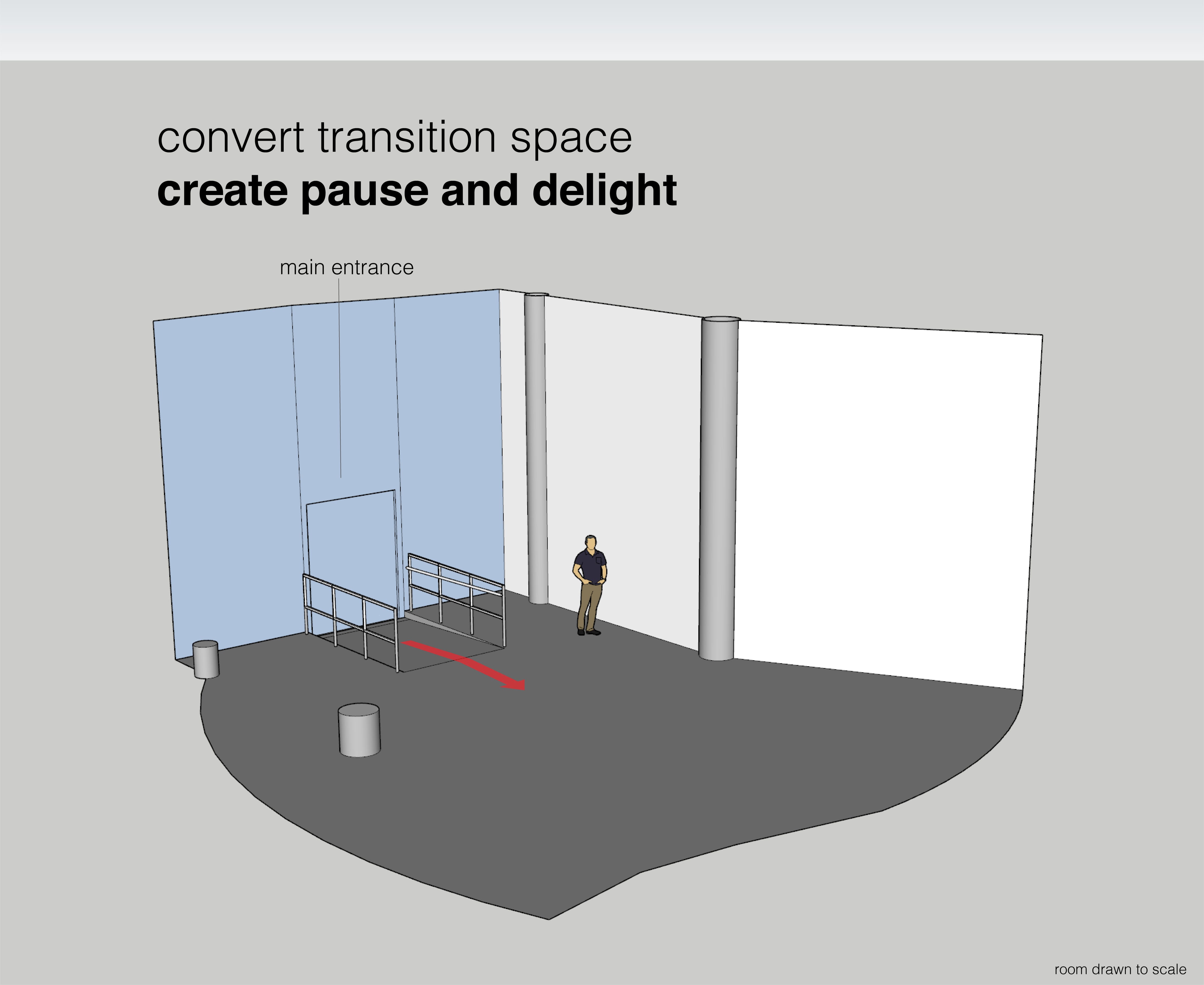
Its placement in the room, by the one and only entrance to the makerspace, is designed to allow users of the space pause as they transition from outdoors into the space. It serves as an informal welcome into the makerspace. As such, the Community Hub is built to allow for a wordless communication of information that is available at glance.
Technical Design & Features
SECTION WIP
Prototyping & Iterations
SECTION WIP
Result & Reflection
SECTION WIP